
Odoo CRM and the AI sales manager divide the work like this: the AI manager replies to customers on Instagram, Viber, Telegram and the website chat, and when a person is ready to buy, it passes a card with the contact details and chosen product to Odoo. The entire chat history is stored beneath it. Odoo remains the accounting system: the deal pipeline, inventory, and invoices. The manager sees a ready-to-come customer in the CRM instead of an unread direct message.

Let's break this down using a single store as an example. An online store selling kitchenware and textiles with around 400 items, making sales via Instagram and their website. They use Odoo for CRM, sales, and inventory. Two female managers work until 18:00, and everything written in the evening waits until morning.
Role allocation: Odoo CRM keeps records, the AI manager conducts the conversation
Odoo CRM does well with its part of the job. Leads become opportunities, move through pipeline stages, and each has an assigned owner and email history. But the actual conversation with the buyer lives elsewhere: in direct messages, on Viber, in the website widget. Until someone copies it into the CRM, for Odoo this customer does not exist.
In a homeware shop, this looks commonplace. In the morning, the manager scrolls through the previous evening's direct messages, copies the phone number, searches for the product by photo, creates a card, and only then replies. Some buyers have already ordered elsewhere by this time, and some conversations never even reach the CRM because they got lost between stories and comments.
An AI manager bridges precisely this gap. It knows the catalogue (pulls it from website pages or a PDF or Excel file and updates prices and stock levels), responds based on the product description on the Marichka AI website within 10–30 seconds at any time, and creates orders in the CRM. Any question not answered in the knowledge base is handed over to a human manager along with the entire conversation. For more details on, how an AI agent conducts a conversation from the first message to the order, we looked at separately.
The journey of a late-night question to a CRM card
At 23:10, a female customer writes on Instagram: will the 28 cm saute pan work on an induction hob and is it available in graphite. The AI manager checks the product description and stock levels, replies, and offers a lid for this model. The customer agrees, provides her name and phone number, and then her city with the post office branch number.
In the morning, the Odoo card is already there: who is buying, what exactly, where to deliver it, and the full correspondence underneath. The manager does not ask for the size again or copy the address from direct messages. She checks the order and sends it to the warehouse.
Odoo is listed among the integrations on the Marichka AI website. To see exactly which entity the integration creates in your database—a lead in the CRM or an order in Sales—it is worth watching a demo using your own data, as this determines who takes over the customer and at what stage.
What can the AI agent built into Odoo do
Odoo now has its own artificial intelligence. The release notes for Odoo 19 (September 2025) introduced AI agents that respond based on your documents, knowledge base articles, website links and PDFs, while the Live Chat agent is able to generate leads. So the question “why use anything else when Odoo can already do it” is entirely fair.
Website chat
The built-in agent here is genuinely strong. Odoo documentation on AI live chat, it is necessary to install the Live Chat and AI apps. The agent responds to website visitors, qualifies the conversation, collects contact details one by one and creates a lead. It hands the chat over to a human when the client asks for a custom price or demo, or when it is unsure of the answer itself.
If most of your customers write to the website widget, and Odoo is already on a plan with AI, start with that one.
Messengers off-site
Messengers are more complicated. The documentation describes an AI agent for a website chat. WhatsApp in Odoo is an Enterprise edition-only app, and it only works with a WhatsApp Business Platform account: a regular WhatsApp Business from a phone will not work. Instagram Direct is connected to Odoo via third-party modules, mostly paid ones, from the Odoo Apps store, and this is another dependency that someone has to update.
For our tableware shop, this is the main argument. Evening questions come into direct messages. People write in the widget on the website less often.
Built-in AI or standalone AI manager: a comparison across five points
Both options put the customer into Odoo CRM. The difference is where the conversation takes place and what needs to be in Odoo for that to happen.
| What are we comparing | AI agent in Odoo Live Chat | Dedicated AI manager (using Marichka AI as an example) |
|---|---|---|
| Where corresponds | Website chat; WhatsApp as a separate Enterprise application | Instagram, Facebook, Telegram, Viber, WhatsApp, website widget |
| How does the product know | Documents, knowledge base articles, website links, PDF | Website pages, PDF or Excel files, auto-update of prices and stock levels |
| When calling someone | Custom pricing, demo, hesitation to answer | Out of knowledge base question, with conversation context |
| What is needed in Odoo | AI and Live Chat apps; agentic AI - on the Custom plan | Integration of an external system; external Odoo API – in the Custom plan |
| Who is setting it up | Odoo administrator or integration partner | No-code settings in the cabinet; external CRM from the Standard tariff plan |
For a shop where most evening conversations happen on Instagram, a built-in agent is not enough: it cannot see Direct. In a B2B company, where leads come through the website, a separate service might turn out to be redundant.
The fastest way is to check your case using your own catalogue and real evening questions. A week of testing is enough to see if Odoo starts generating cards from those conversations that previously went unanswered until the morning.
Five things to check in Odoo before going live
Odoo integration with any external service most often trips up over minor details in the database itself. Go through this checklist with the administrator before launch:
- Odoo plan. For Odoo pricing page, the external API, through which third-party applications access the database, is only included in the Custom plan. It is not available on One App Free and Standard.
- Leads or opportunities straight away. In the CRM settings, you can disable the lead stage, and then new enquiries drop straight into the pipeline as opportunities. Decide where out-of-hours conversations should go.
- Mandatory fields. If the city, post office branch or payment method are required for the order, the AI manager needs to know that they must be asked.
- Responsible. Which of the female managers receives a card from Instagram, and which from the website, and who sees the transferred dialogues at night.
- Prices and stock levels. The AI manager responds from the knowledge base. If there is one price on the website and already a different one in Odoo, the customer will hear the price from the website, and the female manager will have to explain the difference.
If there is no external API
Moving to Custom is not always justified for a small team, since Odoo charges per user. A fallback method has existed in Odoo for a long time: a mail alias like info@. According to Odoo's documentation, an email sent to such an alias creates a lead, the subject line becomes its title, the sender's address goes into the Email field, and the email itself is added to the card's history. Check during the demo whether a specific service supports this option. Structured fields like post office branch cannot be passed this way, so the manager will have to read through the email.
Trial week: how to see results in the Odoo pipeline
Seven days of the free trial is enough if you look at the pipeline. The number of responses in itself doesn't say much. For a tableware shop, the routine is like this: every morning, open Odoo CRM, filter the cards created after 18:00, and go through each one.
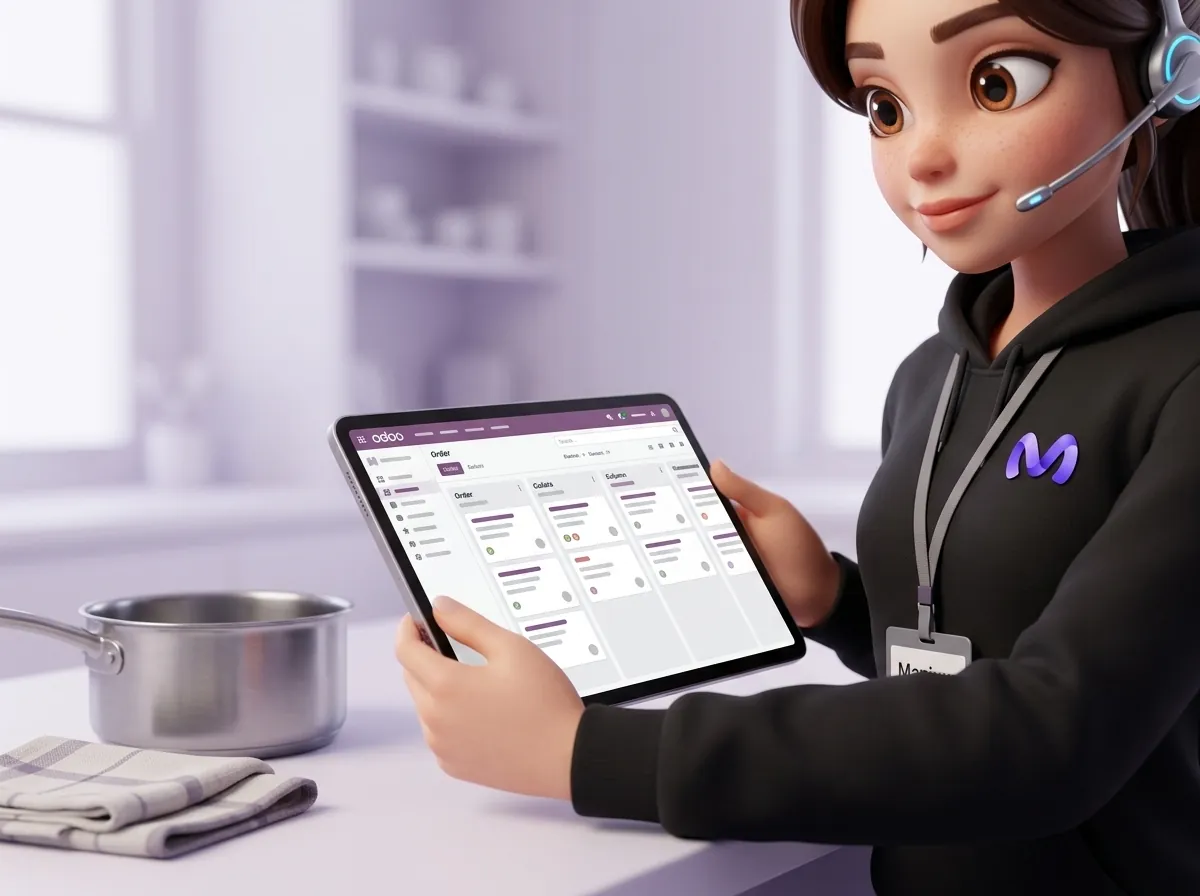
First, look at completeness: whether there is a phone number, product, address, and whether the order can be dispatched without asking any additional questions. Then, check for duplicates. If a regular customer has written from a new account and a second card has appeared, check how the integration searches for existing contacts. Separately, review the dialogues forwarded to the manager: what the agent could not find an answer to and what is missing from the knowledge base. If three times in a week people asked whether a frying pan can be washed in the dishwasher, and the answer is not in the descriptions, add it to the product card on the website. The following evening the agent will answer by themselves, and the manager will not have to return to the same question.
On the fifth day you will have a clear picture: how many evening conversations made it to a card in Odoo and how many of those turned into orders. Odoo CRM already knows how to guide the customer after the first contact, and the AI manager covers the hours when no-one was taking calls. Start with one channel where there are the most unread messages in the evenings, and upload ten real customer queries from last week for the test.
Frequently asked questions
Does Odoo have its own AI chatbot for sales?
Right. From version 19 (September 2025), you can connect an AI agent to the website Live Chat to answer visitors, collect contact details and create a lead in the CRM. This requires the Live Chat and AI apps, and agentic AI behind the Odoo pricing page is included in the Custom plan. This agent does not handle chats from Instagram Direct or Viber on its own.
What gets into Odoo CRM after a conversation with the AI manager?
The bare minimum without which the card is useless: name, phone number, what exactly the customer wants to buy, and the entire correspondence so the female manager doesn't have to ask again. Whether this becomes a lead in the CRM or an order in Sales straight away depends on the integration settings. Ask to have this shown on a demo using your own database rather than during a presentation.
How much does the Odoo and AI manager integration cost?
Count two subscriptions. Odoo charges per user, and the external API, through which third-party services write to the database, is only available in the Custom plan. In Marichka AI, an external CRM can be connected starting from the Standard tier (€99 per month for 2,000 messages), and there is a 7-day free trial on every tier.