A website chatbot is a window in the corner of a page where a program answers visitors instead of a manager at any hour of the day. For a small shop, it is only useful under three conditions: the bot knows your catalogue, passes complex questions on to a person and puts every contact into the CRM. Below, we look at how to check this before paying, how to install the widget so it doesn't slow down the page, and what to say to the customer before asking for their phone number.
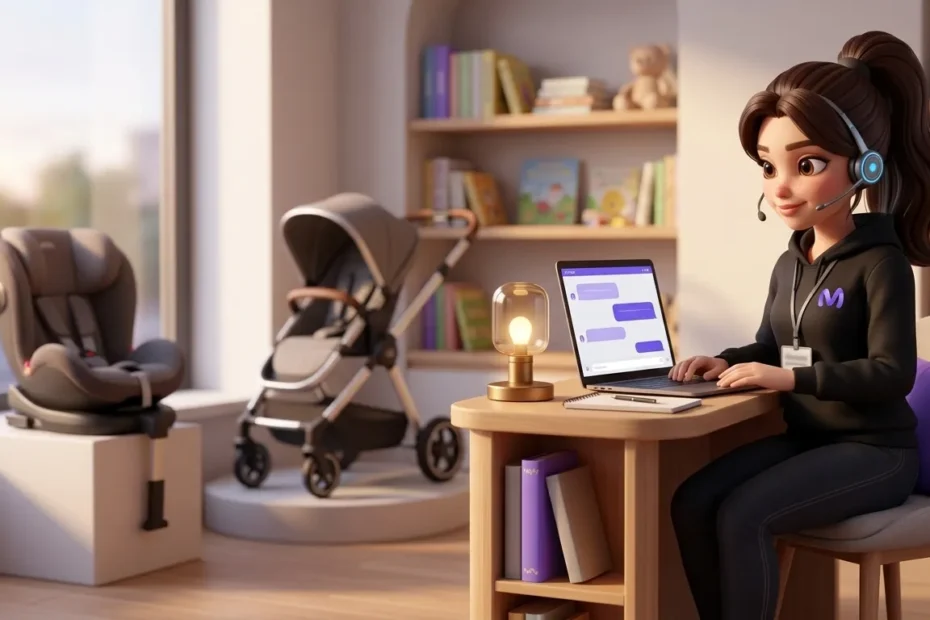
An example that will run through the entire article. You sell children's car seats and prams, there are several hundred models on the website, and the manager works until 18:00. At 22:40, a dad writes on a car seat product page: “Will this seat fit in a 2012 Skoda Octavia using Isofix and up to what child's weight?” The answer is in your model description. The only question is who will give it to him at 22:40.
Contents
- What is the difference between a website chatbot, an online adviser and an AI adviser?
- Where does the shop lose website leads
- Three checks before choosing a service
- How to put a chat widget on a website
- So that the chat doesn't slow down the product page
- A phone number in a chat is personal data
- Check in a week’s time that all applications have been received
- Frequently asked questions
Section: Messaging sales
What is the difference between a website chatbot, an online adviser and an AI adviser?
Behind the words “online website consultant” lie three different things, and the cost of confusing them is noticeable. The first is live chat. This is a window where your manager replies, and it works for precisely as long as she does. During the day this is convenient; in the evening, the widget shows “we're offline” and invites visitors to leave their email address.
Друга is a script bot. It guides the visitor using buttons: “Delivery”, “Payment”, “Choose a chair”. For Dad's questions about Octavia and isofix there are no buttons, so the bot will send him to the callback form.
The third is an AI consultant, which is a bot based on a language model. It reads a question written in your own words, searches for an answer in the descriptions of your models, and replies with a sentence. It is precisely this option that makes sense for a store where questions are not repeated verbatim: weight, height, car make, type of mount.
If you are still deciding, which shop tasks to give to a bot first, start with that analysis. It goes on to discuss the AI website chatbot specifically.
Where does the shop lose website leads
A website lead usually gets lost in one of three places, and none of them show up in the traffic report.
First place goes to the “Call me back” form. Dad left his number at 22:40, and the female manager called him back at 10:15. During that time, he had read reviews on two other websites and might have already placed an order where they answered him.
Second is live chat outside of working hours. A person writes, sees “we will reply shortly” and closes the tab. Your morning message arrives in an inbox they don't open.
Third place is the most unnoticeable. The conversation took place, the client even left their phone number, but the contact is sitting in the widget's inbox, in a separate dashboard that the manager only checks once a week. It is not in the CRM, so nobody will send a reminder.
Three checks before choosing a service
A demo of any chat on a website looks good because it answers prepared questions. Test them on your own. Take fifteen real questions that the manager received via email and in direct messages, and run three tests with them.
How does the bot know your catalog
The bot responds with what it is given. Ask how the service gets its product range: does it read website pages, accept a file, or pull data from an accounting system? And the second, more important question: how often does it update prices and availability? If a pram goes out of stock at lunchtime, but the bot promises it to a dad at 22:40, you’ll get an unhappy customer instead of an order.
For example, the AI sales manager Marichka AI compiles a catalogue from website pages or PDF or Excel files and updates prices and stock levels on its own. Whichever service you choose, make sure it responds using only your knowledge base and does not invent specifications that are not there.
Where does the customer's phone go
Ask to show what happens after the chat window is closed. Where do the name, phone number and selected model end up? The ideal answer: in the order card in your CRM, with the full conversation. If the contact remains in the service dashboard and has to be transferred manually, the third point of loss from the previous section will not go anywhere.
What happens when a bot does not know the answer
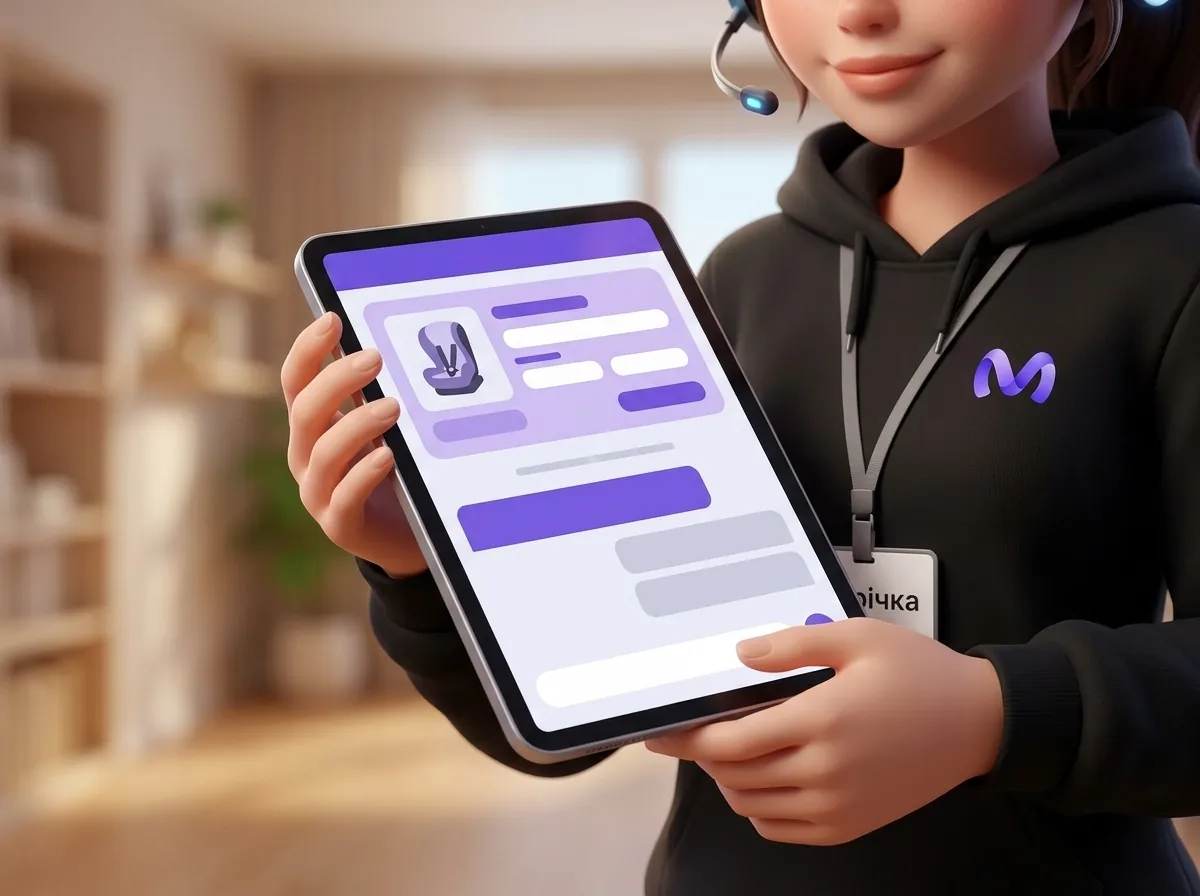
Ask the bot a question that is not answered in the catalogue: “Can this car seat be installed in the front seat if there is an airbag?” Correct behaviour: the bot does not make things up, honestly says that it will check with the manager, takes the contact details and passes the dialogue over to a human along with the entire history. Incorrect behaviour: a confident answer out of nowhere. For car seats, such an answer concerns a child's safety, so here a bot's mistake costs more than a lost sale.
If the service answered all three questions confidently on your fifteen examples, move on to connection. The easiest way to do this is on your own catalogue during a week's free trial: every morning in the CRM you can see what the bot managed to do overnight.
How to put a chat widget on a website
Technically, putting a chat widget on a website takes half an hour, and a programmer is mostly not needed for this. Preparing the knowledge base takes longer than installing the chatbot itself on the website. The service provides a code snippet or a plugin for your platform. Next, the procedure is as follows:
- Insert the widget code on all pages of the website, usually before the closing tag
</body>in the template or via the third-party scripts field in the platform settings, if available. - Open the product card from a mobile phone. The chat button must not cover the “Buy” button or the colour selection.
- Write a greeting for the page: on the car seat card it is “I'll tell you if the model will fit your car”, on the delivery page it's different.
- Send a test question from a phone and from a computer and check that the reply has arrived and the conversation has appeared in the CRM.
- Turn on notifications for the manager about conversations transferred to her so that she sees them first during working hours.
The second point is often missed. If visitors come to the site from Instagram ads, check in your analytics what share of them come from mobile phones, and check the mobile version first.
So that the chat doesn't slow down the product page
A chat script is third-party code, and by default the browser loads it along with the page. Google's developer documentation about loading third-party resources via a facade it states directly that loading everything at once can unnecessarily slow down the page, and cites live chats among typical examples.
The solution described there is called a facade. The page initially features a lightweight button, similar to a chat button. When a visitor hovers the cursor over it, the browser pre-connects to the chat server. The widget itself is loaded at the moment of the click. The product page opens faster, and the chat loads when someone actually needs it.
How to tell if there is an issue. Look at the INP metric (the page response speed to user actions) for the product page before and after connection. According to web.dev (Rick Viscomi, March 2024), from 12 March 2024 INP is part of Core Web Vitals, and a good result is considered when at least 75 % of interactions receive a response faster than 200 ms. If the metric has dropped noticeably after the widget, ask the service if it supports lazy loading.
A phone number in a chat is personal data
As soon as the bot asks for a name and number, you are collecting personal data, and this is subject to Law of Ukraine “On Personal Data Protection”. Article 11 cites an individual's consent as the legal basis for processing their data. Article 12 requires notification of who the data controller is, what precisely has been collected, the purpose of the collection, to whom the data is transferred, and what rights the individual has.
For the chat, this is resolved with a single sentence before asking for the phone number and linking to the privacy policy. Something like this: “Leave your number, and the store manager will call back to process the order. The number will only go to our CRM, terms are at the link.” The exact phrasing of the policy is best agreed with the lawyer who handles your store.
Check in a week’s time that all applications have been received
The best thing you can do with a new bot is not take its word for it for seven days. Every morning, the manager opens the CRM and checks a few things:
- how many conversations there were over the night and how many of them ended with a contact or an order;
- does every card contain the model that was discussed and the entire conversation history;
- to which questions did the bot reply “I'll check with the manager”, and were they really not in the catalogue;
- how many dialogues the bot handed over to her and whether she managed to reply before lunch.
The third point is the most useful. Every such question shows what is missing from the model descriptions, and after adding it, the bot will answer itself next time. More details on how to break down such a week are in the review day-by-day AI manager test plan.
A website chatbot proves its worth at the exact moment when a dad's late-night question about isofix turns into a CRM ticket, and the bot pulled the answer from your own product description. So start with the basics: write down fifteen questions today that came in for the manager after 18:00 over the last month. With this list, you will see within an hour whether the chatbot you are considering is up to the job.

Ready to connect Marichka to your channel?
Marichka AI will help you automate communication, reply to clients 24/7 and increase sales.
Frequently asked questions
What is the difference between an online consultant and a chatbot?
An online consultant in the traditional sense is a chat window answered by a real person, so it only works during their working hours. A chatbot replies on its own, at any time. An AI bot also understands questions written in your own words and searches for the answer in your catalogue.
Will a chatbot slow down my website?
Maybe, if the widget script loads along with the page. Google recommends a facade pattern for live chats: first, a lightweight button is placed on the page, and the widget itself is loaded when a visitor hovers over it or clicks it. Check the product page's INP metric before and after connection.
Is a programmer needed to put a chat on a website?
Mostly not. The service provides a code snippet or plugin for your platform, and anyone with access to the site's admin panel can paste it. A developer will be needed if the site template is non-standard or you want to load the widget using a facade pattern.
Can the same bot also reply on Instagram?
So, if the service supports multiple channels with a single knowledge base, then the car seat compatibility response is the same in the website widget, on Instagram Direct and in Telegram, and the new price appears everywhere simultaneously.
What does the bot do at night when the query can only be resolved by a human?
A polite bot gathers the core of the issue, contact details and the order number, honestly states when a manager will reply, and puts the conversation in the queue with the full history. In the morning, the manager doesn't need to re-question the client; they see everything in a single card.