
Shopify works in Ukraine: you can set up a shop, the subscription fee is paid in euros, and the Shopify admin panel is also available in Ukrainian. There are three separate issues to sort out. Shopify Payments is not available to Ukrainian sellers, so payments are processed by a third-party provider. Shopify’s built-in chat only works on the website, even though customers message via Instagram and Viber. Someone will need to convert these messages from messaging apps into orders within the admin panel.
Let’s break it down using one shop as an example. A small brand selling linen clothing and bed linen: three people, a shop on Shopify, as some of the orders go to Poland and Germany. The main sales channel is Instagram; regular customers message via Viber. Below, you can see what Shopify takes care of and what you’ll need to set up yourself.
Contents
- What Shopify offers Ukrainian sellers straight out of the box, and how much it costs
- Payments without Shopify Payments and a 2 % surcharge
- Customers are messaging us via Direct, whilst the Shopify chat is still active on the website
- How an AI manager connects to a Shopify shop
- The Shopify-CRM integration processes orders from the messaging app
- Five inspections in the first week after connection
- Frequently asked questions
Section: Integrations and CRM
What Shopify offers Ukrainian sellers straight out of the box, and how much it costs
A Ukrainian seller registers with Shopify in the same way as a seller from any other country and pays for their plan in euros. On Shopify’s pricing page for Ukraine In November 2026, the Basic plan costs €19 per month when paid annually, or €27 per month. The Grow plan costs €56 and €74 respectively. New shops get 3 days free, followed by three months at €1 per month.
You can switch the admin panel to Ukrainian: in the Shopify help centre, under “Account language”, it appears in the table as ‘Ukrainian (Ukraine)’. This setting applies only to you. The shop front, including the theme and product cards, is translated separately, and customers will see the language you have set for them.
This set-up works well for a linen brand. One shop front is in Ukrainian, the other in Polish, with a shared catalogue and shared stock levels. Shopify handles the shopping basket, zone-based delivery and order management itself.
Weaknesses tend to arise where money and people are involved. The next two chapters deal with these.
Payments without Shopify Payments and a 2 % surcharge
Shopify Payments, Shopify’s own payment service, is not available to Ukrainian sellers. In list of countries supported by Shopify Payments These include the US, Canada, the UK, Japan and almost all EU countries. Ukraine is not included, and in such cases, the Shopify help centre explicitly advises connecting a third-party payment provider.
You choose a provider from those that support Shopify and process your customers’ card payments, and you enable it on the ‘Payments’ page in the admin panel. Next comes the part that people often only discover when they receive their first statement. According to Shopify’s guidance on third-party providers, Shopify charges its own commission on every transaction processed via a third-party gateway. This commission is added on top of the provider’s own fee. On the Ukrainian pricing page, the rates are as follows: 2 % on Basic, 1 % on Grow, 0.6 % on Advanced and 0.2 % on Plus.
Let’s look at a hypothetical example. A linen brand generates 200,000 UAH a month in sales via its website and is on the Basic plan. In that case, Shopify charges a further 4,000 UAH each month on top of the payment gateway’s commission. On the Grow plan, this amount is half as much, but the plan itself is more expensive: €56 compared to €19 when paid annually.
The point at which it becomes worthwhile to move to a higher tier depends on your turnover. Review this once a quarter.
When it comes to the topic of this article on payments, one thing is crucial. A customer who has been guided through the ordering process via Direct must receive a payment link that opens on their mobile and works first time. It is worth checking this before launching any automation.
Customers are messaging us via Direct, whilst the Shopify chat is still active on the website
Shopify has its own chat feature, the free Shopify Inbox app. Its description in the Shopify App Store states that it brings an “AI-powered sales associate” to the shopfront and works with the admin panel and the online shop. Neither Instagram, nor Viber, nor any other messaging apps are mentioned in the description. Ukrainian is also missing from the app’s list of over twenty languages.
For a shop that gets traffic from search and adverts, that might be enough. For a linen brand on Shopify, Ukrainian shoppers tend to start the conversation elsewhere. A shopper sees a dress in a story and messages via Direct: “Is it available in olive, size M?” She’ll visit the website once she’s had a reply. Or she might not visit at all.
A Friday evening at the linen shop
21:30, the team are no longer available. A customer from Kraków messages via Direct: will a size 44 dress fit someone who is 170 tall, and how long will it take for the parcel to reach Poland? At 22:10, a regular customer from Dnipro asks on Viber whether the sand-coloured sheets are back in stock. Closer to midnight, two more people enquire about a discount on a set.
Shopify isn’t aware of these conversations. They’re waiting until Saturday, and the manager isn’t in on Saturday. Some of the replies will go out on Monday, and by then the customer from Kraków will have had time to browse a few more shops.
It is this gap between the message and the reply that the AI manager fills. It monitors messaging apps, knows your Shopify shop’s product catalogue and guides the conversation towards an order whilst the team is asleep.
How an AI manager connects to a Shopify shop
Connecting an AI manager to Shopify involves three parts: how the agent accesses the product catalogue, how an order is created, and when the conversation is handed over to a human. We’ll use Marichka AI as an example, as Shopify is listed among the integrations on the service’s website.
The AI Manager retrieves data from your website’s pages or from a PDF or Excel file, and automatically updates prices and stock levels. It draws its information solely from this knowledge base. Regarding sand-coloured sheets, it will state exactly what is written in the product listing. If the dress listing does not include a size chart, a query regarding a height of 170 will be directed to a human.
So, before setting up the integration, go through the product listings on Shopify. Size charts, fabric composition, care instructions, delivery times to Ukraine and abroad: everything that the manager usually writes in direct messages from memory should be clearly stated on the website. An agent can’t guess. If the information exists only in the manager’s head or in her notes, they’ll honestly pass the query on to a colleague during the night shift, and the night shift will be less effective. For a linen brand, this will take just one evening: add a few paragraphs to the product listing template and repeat them for dresses and outfits.
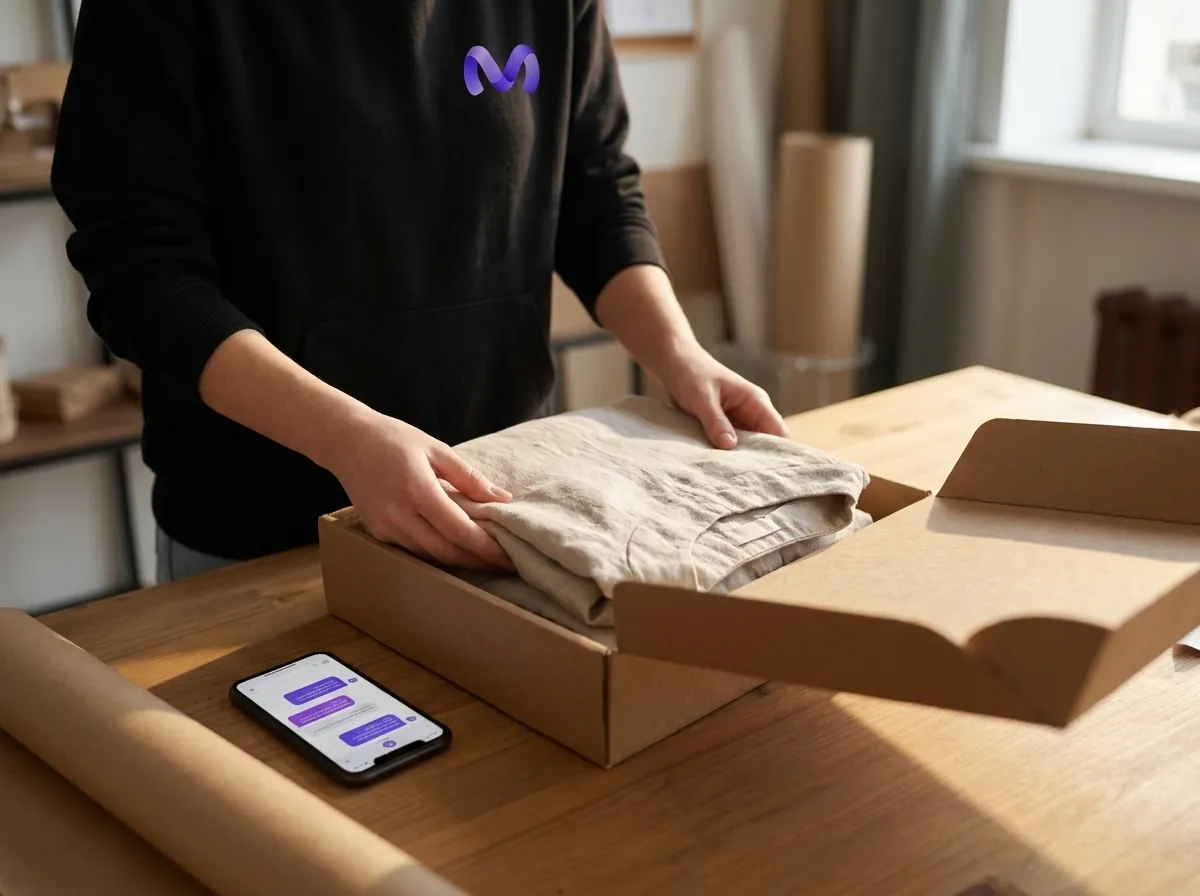
Next, the order. Based on the product description, Marichka AI responds within 10–30 seconds at any time and creates an order in the CRM. The Admin API is used to save the order to Shopify itself. For example, the `draftOrderCreate` method creates a draft order with the customer’s details, a list of products and the delivery address; the app requires `write_draft_orders` access for this. Shopify sends the invoice to the customer via a separate command. To see exactly what the integration creates in your shop (a draft or a completed order) and how the customer receives the payment link, check out the demo in your catalogue.
If there is no answer to a question in the database, the AI manager forwards it to the manager along with the entire chat history. On Monday, instead of twenty unread chats, she opens a few conversations requiring her decision, as well as orders that are already waiting in the admin panel.
| Plot | Who is responsible | What to check |
|---|---|---|
| Catalogue, prices, stock levels | Shopify; the AI manager retrieves them from the website | How quickly does a new price get added to the knowledge base? |
| Replies via Direct Messages and Viber | AI manager, available 24 hours a day | Does it only draw on the knowledge base? |
| Checkout | The AI manager creates it; Shopify or the CRM stores it | Draft or order – which fields have been filled in? |
| Payment | A third-party provider integrated with Shopify | How does the buyer receive a payment link? |
| Unconventional question | Manager, with full correspondence | Who sees the transmitted dialogues at night? |
It’s handy to go through this table with each option you’re considering. A Shopify chatbot that only resides in a widget on the website won’t respond via direct message, so it’s ruled out in the second row.
The Shopify-CRM integration processes orders from the messaging app
If, in addition to Shopify, you have a separate CRM system containing purchase history and repeat sales data, agree before launch where orders from the messaging app should be routed. There are two options. In the first, the AI manager creates an order in Shopify, and the CRM pulls it in via its integration with Shopify. In the second, the order goes straight to the CRM, which then forwards it to the shop.
Both work. The real danger lies elsewhere: when both routes are enabled at the same time and the same dress is recorded twice. In Marichka AI, an external CRM is integrated from the Standard plan onwards. We’ve covered what information from a conversation should be transferred to the customer record, and where this integration usually runs into problems, in our article on, Which fields are transferred from the call to the CRM, and where does the link break?.
Who else is choosing a platform, comparing Shopify with Ukrainian website builders, and wondering what integrations Khoroshop has with local delivery services and CRMs? For an AI manager, the difference is negligible, as it reads the product catalogue from the website’s pages, regardless of the platform on which the site is built. The difference becomes apparent at the order creation stage, so please check the list of integrations for your specific platform. If you don’t have a CRM yet, start by, how to choose a CRM for an online store, and check straight away whether it accepts orders from Shopify.
Five inspections in the first week after connection
The Marichka AI trial lasts 7 days. This should be enough for a Shopify shop if you check specific items every day. The total number of responses won’t tell you much.
- Availability. Ask via Direct about the three products that are currently out of stock. The reply should match the stock levels in Shopify.
- Overnight orders. First thing in the morning, check the admin panel for anything created since closing time. Each order must include the customer’s telephone number, the product (including its size) and the delivery address.
- International delivery. Please write on behalf of a customer from Kraków and enquire about a parcel to Poland. The terms and conditions must match your delivery zones.
- Payment in full. Follow the customer’s journey from the link to a successful payment via your provider, all from your mobile.
- Transcribed dialogues. Check what the agent has given to the manager and add the answers to the product cards.
The fifth point is the most useful. If you’ve been asked three times this week whether the linen shrinks after washing, and there’s no mention of this in the product description, just add a single sentence to the product page on Shopify. The agent will reply of their own accord the following evening.
For a Shopify shop, the Ukrainian context presents two challenges. A third-party provider handles payments, whilst conversations on Instagram and Viber remain your responsibility until they are handled by the AI manager. Before setting anything up, open your Direct Messages and Viber from last weekend and count the messages you replied to later than an hour after they were sent. If there are more than a few, start the test on Friday: by Monday, you’ll be able to see how many of those conversations resulted in an order in the Shopify admin this time round.

Ready to connect Marichka to your channel?
Marichka AI will help you automate communication, reply to clients 24/7 and increase sales.
Frequently asked questions
Is it possible to set up a shop on Shopify from Ukraine?
Yes. Registration is open; on the Ukrainian pricing page, prices are listed in euros, and new shops get three days free, followed by €1 per month for three months. The main restriction concerns payments: Shopify Payments does not work in Ukraine.
Does Shopify Payments work in Ukraine?
No, Ukraine is not on the list of countries supported by Shopify Payments. Payments are processed via a third-party provider, and Shopify charges its own commission on each such transaction: from 2 % on the Basic plan to 0.2 % on the Plus plan.
Is there a chatbot for Shopify that responds on Instagram and Viber?
The built-in Shopify Inbox operates on the website’s front end; messaging apps are not mentioned in its description. For Instagram, Viber, Telegram or WhatsApp, a separate service is required – for example, an AI manager that scans the shop’s catalogue and guides the conversation through to an order.
How do I connect the AI Manager to Shopify?
Provide him with the catalogue (the website address or a file containing the products), set up the messaging apps and decide where orders are routed: to Shopify or to a separate CRM. It’s worth testing the latter using a demo on your own catalogue, as this determines who will be the first to engage with the customer in the morning.
Do you need a programmer to set up an AI manager on Shopify?
Not for the basic setup. With Marichka AI, the catalogue is uploaded from the website pages or from a PDF or Excel file, and the setup is done without any coding, following an 8-step video tutorial. You may need assistance if orders need to be sent to a separate CRM with non-standard fields.
Is it possible to run a shop on Shopify in Ukrainian?
To the admin: Ukrainian is included in the list of languages for the Shopify account. This does not affect the shop front; the text for the theme and product listings is translated separately.