A CRM for an online store is chosen based on what gets into it without manual copying. Orders from the website, messages from Instagram and Viber, delivery service waybills, and payment statuses should appear in the card automatically. The features of all systems are roughly the same. What decides it are the integrations with your channels and how quickly a female manager gets used to working in the system every day.
Let's look at the choice using a single shop as an example. A pet shop with food and accessories, about 600 items. It sells via a website and Instagram, and regular customers write on Viber. An owner and two female managers, orders are still in a Google spreadsheet.
Contents
- When a Google Sheet stops holding orders
- What an e-commerce CRM needs to be able to do from day one
- How orders from the website, Instagram and Viber are processed by the system
- Delivery and payment without manual copying
- CRM for a small business of two to three people
- Who is responsible for the customer while the CRM is waiting for the order
- Nine questions to ask every CRM before a demo
- Two weeks on real orders
- Frequently asked questions
Section: Integrations and CRM
When a Google Sheet stops holding orders
The spreadsheet works well as long as one person is managing the orders. At the pet shop, it started to fall apart when the second manager came on for the evening shift.
First signal: two people responding to the same customer. A female customer asked in Direct about food for a sterilised cat, and the next day she wrote on Viber, where another manager replied to her, not knowing about yesterday's conversation. Second: the order status lives in people's heads. “Paid?”, “Shipped?”, “What's the consignment note?” have to be figured out in an internal chat.
The third signal is noticeable only at the end of the month. Regular customers who take the same bag of food every month get lost between the lines, and no one reminds them about their next purchase. The fourth: invoices are filled out by hand, and once a week someone makes a mistake in the branch number.
If you recognised at least two of these points, you need a CRM. From then on, it is only a question of which one.
What an e-commerce CRM needs to be able to do from day one
The basic set is small. Everything else can be added later, but without this, the system won't take root even in a three-person shop.
- Orders with statuses, which you set up yourself: new, confirmed, paid, shipped, received, return.
- Customer profile with history: all orders, correspondence, notes like “cat after neutering, takes 10 kg”.
- Goods and stock, synchronised with the website so the manager doesn't sell the last bed twice.
- Roles and permissionswho sees all orders, who only their own, who can change prices.
- Duplicate search by phone, so that one female customer from three channels doesn't become three clients.
Reports, newsletters, and loyalty programs are useful, but secondary. During demos, they are often shown first because they look good. Ask to see something else instead: how a manager creates an order from a call in a minute and changes its status to shipped.
For a pet shop, repeat purchases are definitely worth looking at. Pet food is bought cyclically, and a CRM for an online store with this type of audience needs to be able to show customers for whom 30 days have passed since their last order. This is a simple filter, but it cannot be done without custom development in every system.
How orders from the website, Instagram and Viber are processed by the system
The website is usually the most straightforward. Ask if there is a ready-made integration module specifically for your website platform: in that case, orders from the basket drop straight into the system along with the products and the customer's contact details. Also, check whether the integration works both ways. If a manager amends the order contents in the CRM, the website needs to update the stock level.
Messengers are more complicated, and this is where the most is lost. Around half of the pet shop's conversations start on Instagram, while regular customers write on Viber. Some CRM systems are able to pull message histories from messengers into the customer profile. But chats and orders are different things: someone still has to read the dialogue, figure out what the person wants to buy, and manually create the order.
Therefore, the question for each system is as follows: which channels are connected, in what format does the message arrive, and who creates an order from it. If the answer is “a manager transfers it manually”, calculate how many such conversations you have per day and who will process them in the evening.
If the shop already uses Odoo for accounting, the choice is different: there the CRM is part of a broader system, and we discussed that separately, how the Odoo CRM and AI manager integration works.
Delivery and payment without manual copying
Once an order appears in the CRM, the routine of invoices and payment reconciliation begins. In a small shop, this eats up hours every week, and it is the easiest thing to hand over to a system.
Waybills and parcel statuses
Nova Poshta on its business page describes that via its API you can automatically create an express waybill when placing an order on the website, change waybill details and order a return. The API key is generated for free in the business account settings. A CRM with such an integration takes the address and weight from the order and creates a consignment note in one action, while pulling the parcel status itself.
This can be seen in the pet shop on 10–15 kg bags of feed. The weight and dimensions are entered into the product card once, and the manager doesn't need to weigh the items every time or remember which box will fit a pet bed.
Payment and cash on delivery
Check two things here. First: whether the CRM sees card payments on the website and changes the order status automatically. Second: how the system shows cash on delivery, that is, the money the customer paid at the branch, but which hasn't reached the account yet. Without this, the end-of-week reconciliation goes back into the spreadsheet.
If the CRM does not support the delivery service or payment provider, ask during the demo whether they can be integrated via API or an intermediary service, and who is responsible for doing so.
CRM for a small business of two to three people
A small business chooses a CRM less often than a large one, and this is evident even in the statistics. According to data Eurostat for May 2024, in 2023, CRM programs were used by 22 % of small EU enterprises and 61 % of large ones. A large company has staff to set up the system. In a small team, the owner handles this in the evening, after packing parcels.
Hence the practical criterion. A CRM for small business should launch without an integrator: importing the client spreadsheet, connecting the website and delivery, setting up statuses in a day or two. If on the demo they say “this will be set up by our partner for an extra fee”, factor that amount and time into your comparison.
The second question is the payment model. Some systems charge per user, others based on the number of orders per month, and integrations sometimes come as separate paid modules. For a pet shop with three people and seasonal peaks, it is important to know what will happen to the price in November, when there are twice as many orders. Calculate it based on your actual annual volume. The first month will not show much here.
The third question is often remembered too late: how to leave the system. Ask whether you can export clients along with their order history to CSV or Excel without contacting support. In a year, the CRM will hold the entire database of regular pet shop customers, and if the price or terms change, it is precisely via this file that you will have to transfer it. A system that only releases data upon request holds you tighter than it seems at the start.
The fourth question is mobile access. The owner of a small shop often replies to customers and checks orders from a smartphone. A mobile version where it is awkward to change a status or find a customer will drive everyone back to Viber within a month.
Who is responsible for the customer while the CRM is waiting for the order
A CRM stores orders, but it doesn't reply to anyone by itself. It waits until a person writes, a manager reads it, understands the request, and creates a card. During working hours, this works. At 22:00, when a dog owner writes in Direct asking if there is a size M harness in stock and whether it will arrive by Saturday, nothing happens in the CRM.
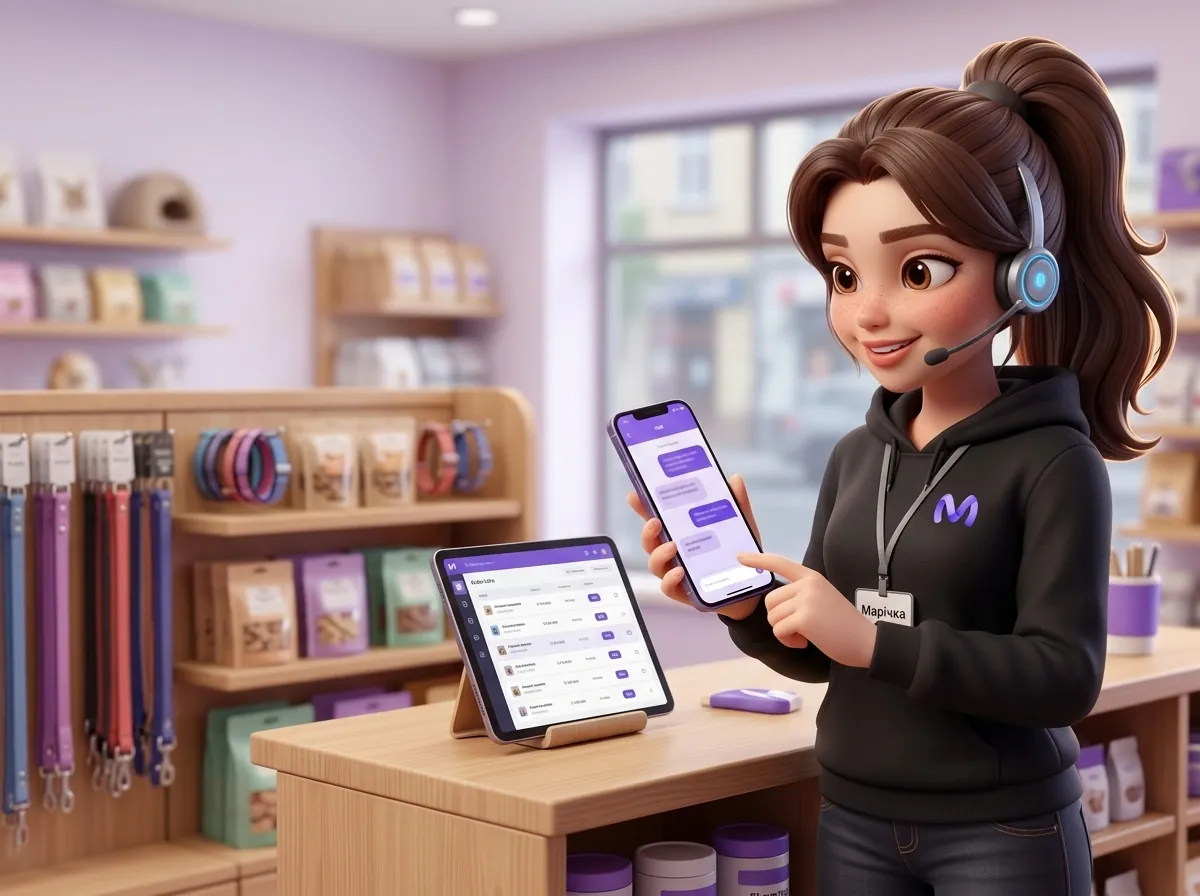
It is precisely this gap that the AI sales manager closes. According to the product description, Marichka AI responds in messengers (including Instagram and Viber) and via a website widget within 10–30 seconds at any time, knows the store catalog from website pages or files, and creates orders in the CRM. Any question that is not answered in the knowledge base is forwarded to a human manager along with the entire chat history. What this looks like in a dialogue, we covered in detail using the example of, how a bot leads a buyer from a question to an order.
This leads to a specific requirement for choosing a CRM. The system must be able to accept orders from external services: via an API, a ready-made integration, or at least a webhook. Then, in the morning, the manager sees the evening orders in the CRM along with the branch address. Direct messages will have already been sorted by that time.
Nine questions to ask every CRM before a demo
Take two or three systems to the demo and go through the same list with each one. Ask them to show it on screen. The words “yes, that's possible” without a demonstration do not count.
| What to check | How to check on demo | Warning sign |
|---|---|---|
| Order from the website | Place a test order on the website and find it in the CRM | Exchange hourly or one-way only |
| Messengers | Message on Instagram and Viber, and see where it arrived | The correspondence exists, but the orders are only manual |
| Orders from external services | Ask about the API or webhook for creating an order | API only on the most expensive plan |
| Customer duplicates | Write from the same phone using another channel | A second card is being created |
| Invoices | Create a waybill from the order | The address needs to be copied into the carrier's account |
| Payment | Show how the status changes after payment | Payment status is set manually |
| Leftovers | Sell a product in the CRM and check the website | The balance on the website has not changed |
| Mobile version | Change order status from phone | View only, no editing |
| Cost in a year | Calculate based on your peak season volume | Integrations as separate paid modules |
Not every CRM system for an online shop will pass all nine circles of hell, and that's fine. Tick which ones are essential for you. For a pet shop, messengers and waybills are a must: that's currently where most time goes. Customer duplicates come right after them.
Two weeks on real orders
The demo shows the system under ideal conditions. A full assessment takes two weeks on your orders, with your team and your channels. If the system has a trial period, make the most of it.
The first two to three days will go towards preparation: importing clients from the spreadsheet, connecting the website, delivery and at least one messenger, and setting up statuses for your own process. After that, the female managers work exclusively in the CRM. Restrict editing on the spreadsheet, otherwise half of the orders will just end up staying there.
At the end of each day, look at three things. How many orders had to be rescheduled manually and where they came from. Whether there were any customer duplicates. How much time was spent on waybills compared to last week. If the number of manual transfers does not decrease over the week, the problem is with the connections, and they need to be sorted out with support while the trial period is ongoing.
Involve both female managers in the test from day one and ask them to note down what is inconvenient. The owner sees the CRM in reports, whereas they change statuses in it forty times a day, search for clients and create waybills. If after a week a manager quietly returns to the spreadsheet, that is a more important signal than any feature in the pricing plan description.
Check the evening messages separately. If there are still unread questions in the direct messages in the morning and the CRM is empty, the system lacks someone to respond. You can test this in parallel: Marichka AI's first 7 days are free, and during this time you can see whether evening conversations lead to orders in your CRM.
A CRM for an online store takes root when female managers find it easier to use than a spreadsheet, and orders appear by themselves. Before the first demo, make a note of where all the orders from the past week came from and how many of them someone had to transfer manually. With this list in hand, you will immediately see which system addresses your specific losses.

Ready to connect Marichka to your channel?
Marichka AI will help you automate communication, reply to clients 24/7 and increase sales.
Frequently asked questions
Can you run an online shop without a CRM?
It's fine while there are few orders and one person is handling them. When there are two managers and orders are coming in from the website, Instagram and Viber, the spreadsheet starts losing statuses and customer history. That is usually the moment when a CRM pays back the time spent on its setup.
How much does a CRM for an online store cost?
The price depends on the payment model: per user, per number of orders per month, or a free plan with limitations. Calculate the cost for your actual team and volume a year in advance, and also separately ask whether integrations with delivery and payment are included in the plan.
Do I need a CRM if I only sell on Instagram?
Yes, if there are more orders than you can keep in your head. Direct doesn't show the order status, payment and tracking number, and searching through old chats takes time. A CRM gathers this into a single card, and a repeat customer is immediately visible with their purchase history.
How to transfer clients from a Google Sheet into a CRM?
Usually, clients are imported using a CSV or Excel file. Before importing, format the phone numbers uniformly and remove duplicates, as the CRM subsequently uses the phone number to search for an existing client. Test the import with 20 to 30 rows before uploading the entire database.
Can an AI manager create orders in the CRM by itself?
Right. The Marichka AI sales manager replies to customers in messengers and on the website, and when a person is ready to buy, it creates an order in the CRM. Questions that are not answered in the knowledge base are passed on to a manager along with the entire chat history.
Which is better: a CRM built into the website platform or a standalone system?
The built-in one is easier to start with because website orders are already in it. A separate one is more convenient when a significant portion of sales comes through messengers and marketplaces, and you need to manage inventory and delivery in one place. What matters is where the majority of your orders come from.