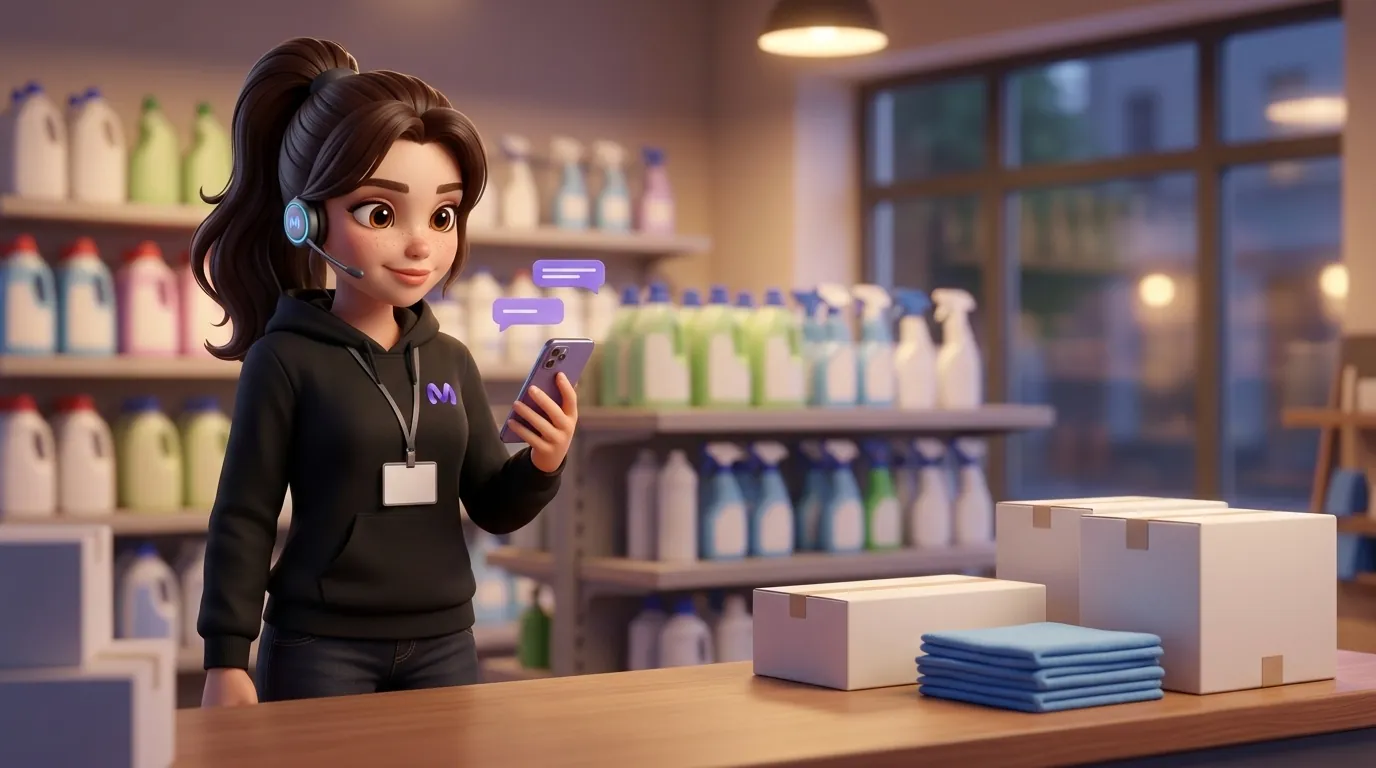
A Facebook chatbot is a program that replies to customers in Messenger on behalf of your page: it tells them whether an item is in stock, how much it costs, how it will be delivered, and takes orders. Built-in Meta auto-replies can only say hello and show template responses. To get a bot to respond to free text, it is connected to the page via the Messenger Platform, and then Meta's rules apply: 24 hours to reply and strict restrictions on messages outside this window.
Let us look at an example. An online shop for garden and allotment supplies: seeds, drip irrigation, fertilizers. A website with a catalogue, a Facebook page where the shop runs adverts before the season. The owner, Andriy, replies in Messenger himself between packing parcels.
On Sunday at 21:15, after a sponsored post about drip irrigation, Tetiana messages on Messenger: “Good evening. Do you have a 100-metre tape? And how much is delivery to Zhytomyr?” Andrii will read this on Monday morning. By that time, Tetiana will have had time to scroll further down her feed.
Contents
- What can the Facebook chatbot in your page's Messenger do
- Meta Business Suite's built-in auto-replies and their limits
- Sunday, 21:15: Tetiana's conversation with the bot
- The 24-hour rule and what has changed since April 2026
- Messenger auto-responder, builder or AI manager
- How to connect a bot to a Facebook page
- Where it is better for a bot to remain silent and hand the conversation over to a human
- Frequently asked questions
Section: Messaging sales
What can the Facebook chatbot in your page's Messenger do
A bot in Messenger resolves the same queries as a manager: availability, price, size, delivery, payment, and order status. The difference is in the response time: the bot replies instantly, including on Sunday evenings. In Andrii's shop, the majority of such queries under ads already have an answer in the catalogue on the website.
A good Facebook chatbot takes its data from the same source as the website. If a 100-metre ribbon isn't available, but a 50-metre one is, it says so and suggests two spools. If a question goes beyond the catalogue (“will this ribbon fit a 200-litre drum sitting on a hill?”), it hands the conversation over to a human and doesn't make things up.
The third task is processing. Tetiana types “taking”, the bot asks for name, phone number and post office branch, and the order goes into the shop's CRM. It remains for Andrii to check and dispatch.
Meta Business Suite's built-in auto-replies and their limits
Before looking for a service, check what is already in your page. In the Inbox folder of Meta Business Suite, there is an automation section: an instant reply to the first message, an away message for non-working hours, and a list of frequently asked questions that a buyer can click. All of this is free and can be set up without a programmer.
For a small page, this is already better than silence. Tetiana would receive something like “Thank you, we'll reply tomorrow from 9:00” at 21:15. However, she won't learn anything about the feed or delivery to Zhytomyr from such a message. The Messenger auto-responder in Business Suite works using canned responses: it doesn't read the catalogue, doesn't know stock levels and doesn't calculate delivery. A buyer who writes in their own words gets a template, and with it, the feeling that they haven't been heard.
The line is drawn right here. As long as the questions are repeated word-for-word (“what's the schedule?”, “where are you located?”), built-in tools are enough. When people ask about a specific product, you need a bot connected to the page via API.
Sunday, 21:15: Tetiana's conversation with the bot
Here is how that same conversation could look if a Facebook Messenger bot with access to the catalogue were working on the store's page.
Tetiana writes about the tape and Zhytomyr. In a few seconds, the bot replies: the 100-metre tape is available, here is the price and a link to the product, here is the cost and delivery time to Zhytomyr according to the shop's terms. Tetiana asks whether connectors are needed for it. The bot finds a set of fittings in the catalogue that is sold together with the tape and suggests adding it.
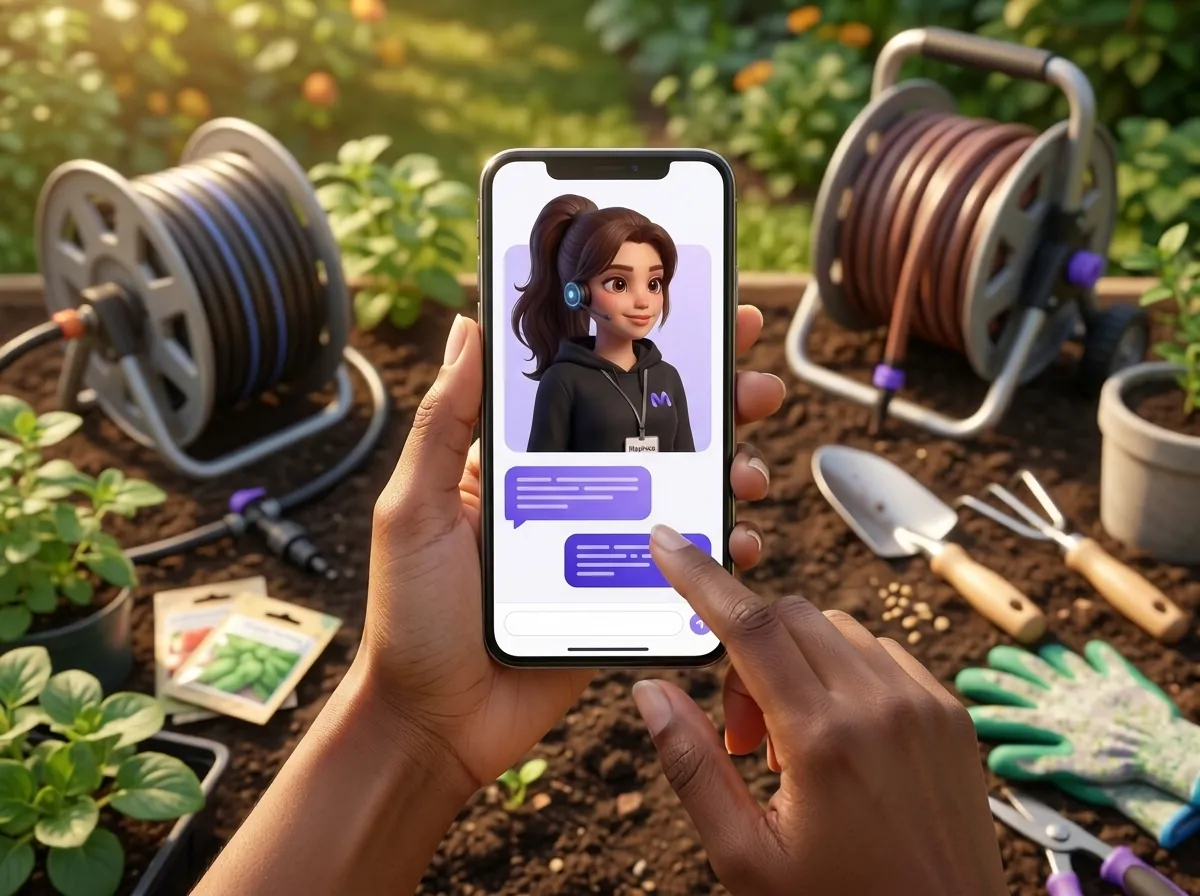
Next is “take”, name, telephone number, branch number. The bot confirms the contents of the order and the total amount, and a new deal is created in the CRM with the entire chat history. On Monday at 9:00, Andriy sees the order already prepared.
Another detail. At the start of the conversation, the bot honestly states that it is an automated store assistant. Messenger Platform rules require this disclosure where required by law, and advise doing it always: at the start of the conversation, after a long pause, and when the chat switches from a human to automated responses. One sentence in the greeting resolves the issue.
Such conversations are most often lost precisely at weekends and in the evening, when the ads are still running and there is no one to reply. If you have a few unhandled messages sitting in your page by morning, you can test the bot on them in a week's time.
The 24-hour rule and what has changed since April 2026
Messenger doesn't allow a page to message a buyer whenever it likes. For Messenger Platform policies, a buyer message opens a standard window, which for most actions lasts 24 hours. Inside the window, the bot and the agent reply with normal text, and the replies can contain promotional offers.
For Andrii, this means a simple rule of discipline. Tetiana wrote at 21:15 on Sunday, so a standard reply can be sent to her by 21:15 on Monday. The bot meets this deadline within seconds. A manager returning to chats after the weekend also makes it in time, but with less of a buffer.
Previously, outside the window, shops sent messages with tags, for example POST_PURCHASE_UPDATE for order news. According to Meta documentation, from 27 April 2026, requests with the POST_PURCHASE_UPDATE tag will receive error 100. Similarly, Meta is rejecting tags for account updates and confirmed events. If your old bot was sending consignment numbers through them, these messages are no longer getting through.
What is left for messages outside the window
The HUMAN_AGENT tag remains. It gives a human agent 7 days to respond after a buyer's message. Meta gives examples: a business is closed for the weekend or an issue cannot be resolved within a day. The tag is only available to an app that has passed Meta's review, and only after business verification. Automated bot responses do not fall under it; it is used by a human.
Utility messages are now available for order notifications. They are created from a template: order status, delivery confirmation, appointment reminder. Meta approves a template created by a page in a few seconds, but it cannot contain any advertising. A message like “Your parcel has arrived at the branch” will go through. If you add “and fertiliser is on sale right now” to it, it won't.
Messenger auto-responder, builder or AI manager
When built-in auto-replies are no longer enough, a store typically chooses between a scenario builder and an AI sales manager. The difference is clear in Tetiana's exact message.
| Business Suite automated responses | Scenario builder | AI Sales Manager | |
|---|---|---|---|
| How does it understand the question | No way, it sends a template | Behind the buttons and trigger words | Free text, like a human |
| Where does it get prices and availability from | Out of nowhere | What was written into the script manually | The website directory, or file, updates itself |
| Is there a 100 m tape? Delivery to Zhytomyr?“ | “We will reply tomorrow” | “Catalogue”, “Delivery” buttons” | Availability, price, delivery time |
| Order in CRM | No | If you set up the integration | Yes, along with the correspondence |
| Who supports | Page owner | The person who wrote the script | Catalogue updates are pulled through automatically |
A builder works well when the product range is small and stable, and customers are happy to click buttons. In a garden supply shop, the range changes from season to season, and every new item would have to be manually added to the script. Marichka AI manager takes the product range from website pages or PDF or Excel files and updates prices and stock levels itself. It responds around the clock, and a new item appears in responses without any script editing.
More details about, what tasks does a chatbot take off a small shop's hands in different channels, we analysed separately.
How to connect a bot to a Facebook page
Technically, any Facebook chatbot works via an app connected to a Meta page. If you are not writing the bot yourself, a service takes care of most of the steps, and you just need to provide access and data.
- Check that you have the page administrator role and access to the business portfolio in Meta Business Suite.
- Gather the data for the bot: the current catalogue or website link, delivery and payment terms, working hours, and answers to the questions you are asked most frequently.
- Connect the page in the service account and grant the Facebook page bot access to messages.
- Decide who is responsible by default. In the Messenger Platform, the primary app handles the conversation, while Page Inbox functions as a secondary app to which the bot can hand over the chat.
- Test it on your own questions: write from a personal profile what people usually ask on a Sunday evening.
Confusion often arises at the fourth step. If the bot and an agent reply in the same chat at the same time, the customer receives two different responses. The hand-over protocol in Meta is precisely for this: the bot handles the conversation until it encounters a question outside its knowledge base, and then hands the chat over to the Inbox along with the entire history.
Where it is better for a bot to remain silent and hand the conversation over to a human
Even a well-configured Facebook chatbot shouldn't drive every conversation to the end. In Andrii's shop, people are left with complaints (“a damaged coil arrived”), wholesale enquiries from farmers, bargaining and questions like “what to plant in the shade under a walnut tree”. There are no answers to such questions in the catalogue, and a made-up piece of advice will do more harm than an honest “I'm passing this on to the owner, he will reply in the morning”.
Marichka AI only answers from the knowledge base you have uploaded, and passes complex queries to an agent along with the context. Andriy won't have to ask Tetiana again what she has already ordered and why she is unhappy: the entire chat history will be right in front of him.
Another limitation concerns time. According to Meta's rules for Messenger, after 24 hours a standard manager's reply will no longer go through. HUMAN_AGENT is not available to all applications. Therefore, on Sunday evening, the bot must at least honestly log the question and promise a specific reply time.
If you don't know where to start, open your page's “Inbox”, count the messages that came in over the past weekend, and see how many of them relate to availability, price, or delivery. It is precisely these questions that the bot will take on first. For comparison, how this same logic works in another messenger with its own payment rules can be seen in our breakdown Viber bot for a shop.

Ready to connect Marichka to your channel?
Marichka AI will help you automate communication, reply to clients 24/7 and increase sales.
Frequently asked questions
Can you make a Facebook chatbot for free?
Partially. In Meta Business Suite, greetings, away messages and FAQs are set up for free, but they work using templates and cannot see your catalogue. A bot that replies in free text about availability and price works via a third-party service on a subscription basis.
Can a Messenger bot message a customer first?
With a regular message – no. The bot responds within the standard window, which for most buyer actions lasts 24 hours. Outside of it, Meta only allows specific formats: utility messages from a template about order status or delivery, and marketing messages under separate rules.
How much time does a manager have to reply in Messenger after the bot?
The standard response time is 24 hours from the buyer's message. If the app through which the bot operates has received Human Agent approval from Meta, a human can respond within 7 days. This requires app review and business verification.
Should we tell the buyer that a bot is responding?
Yes, at least once. The Messenger Platform rules require this where required by law, and advise doing so always: at the start of a conversation, after a long pause, and when a conversation transitions from a human to automated responses. One sentence in the greeting is enough.
Does one bot work on both Facebook and Instagram simultaneously?
So, if the service connects both channels, Marichka AI responds in Facebook Messenger, Instagram, Telegram, Viber, WhatsApp and in the widget on the website from a single knowledge base, so the prices and delivery terms are the same everywhere.
What will happen to the POST_PURCHASE_UPDATE tag?
From 27 April 2026, Meta is returning an error for requests with the POST_PURCHASE_UPDATE tag, as it is with tags for account updates and confirmed events. Messages about orders outside the 24-hour window are now sent as utility template messages.